Choose what can wait.
Select the apps that steal your attention. Turn on Screen Time protection and let them sit this one out.

Your feed can wait. Your next riff can’t. Turn a few minutes of scrolling into a little more playing—with a practice companion that puts music first.
Made for iPhone. Built around the joy of playing.
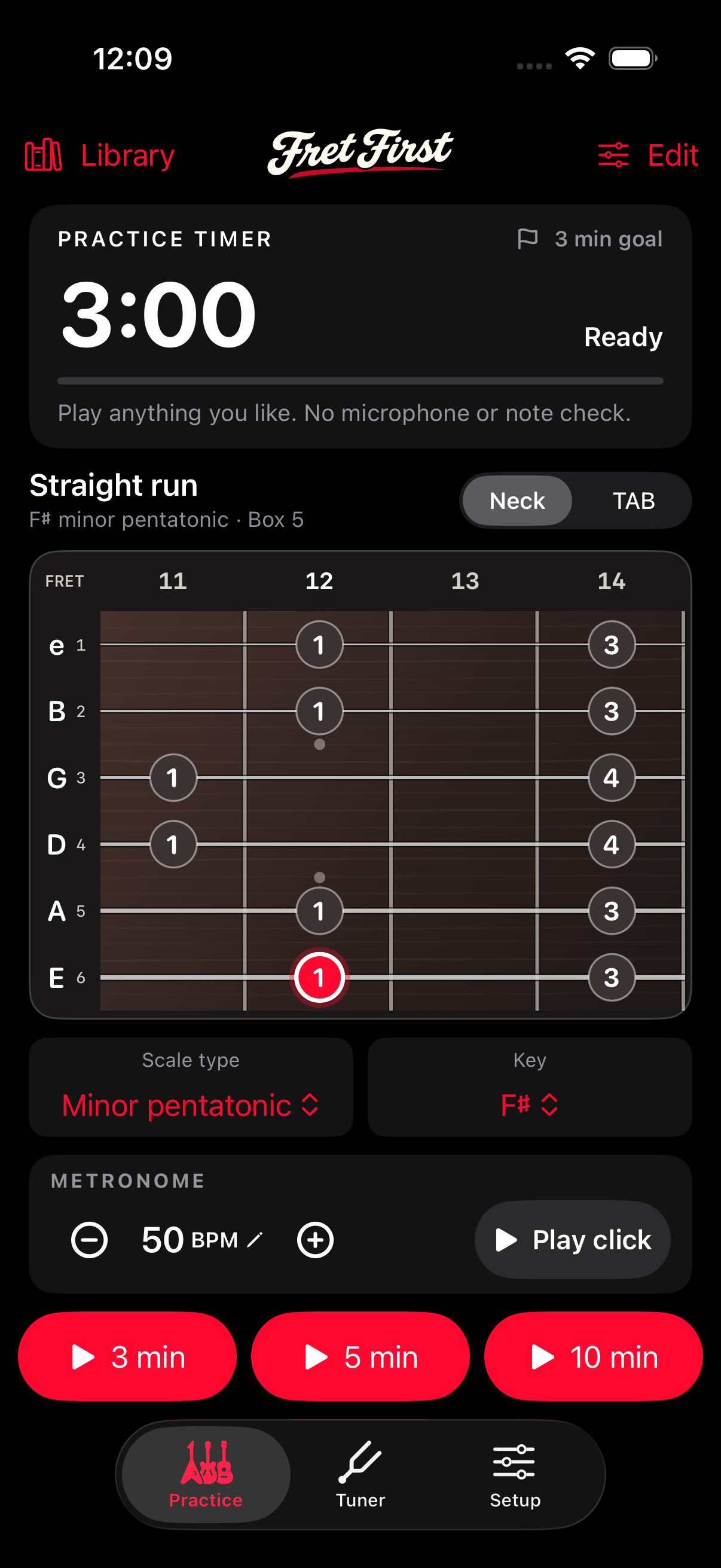
Actual app screen. Real music time.
Your new opening act
No heroic routine required. Just a small pocket of time for the thing you keep meaning to do.
Select the apps that steal your attention. Turn on Screen Time protection and let them sit this one out.
Choose 1–60 minutes. Play a few chords, chase a scale, or noodle on something new. The timer doesn’t judge your notes.
Finish your timer to unlock your selected apps for the window you chose. A little music before the next scroll.
Life happens. You’re still in charge. Skip for 15 minutes, or turn protection off in Setup.
How it worksThe three-minute soundcheck
You don’t have to master the solo today. Give your instrument a few focused minutes and see where they take you.
Go on. Make a little noise.
Your opening act is ready.
A little website preview. App blocking happens in the Fret First iPhone app, with your permission.
Meet the band
Familiar tools. A little character. All ready when inspiration decides to show up.
The soundcheck
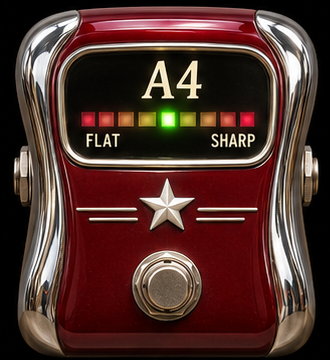
A tuner with some stage presence. Tune your strings or use the app’s chromatic pedal.
The idea machine
Explore chords, scales, and the Circle of Fifths. Follow a diagram or TAB. Find something worth playing twice.
The front person
Check vocal pitch with a little vintage attitude. Listening tools stay separate from the no-mic practice timer.

Your unlock timer is simply time to play. It doesn’t listen, grade your notes, or demand a perfect take.
Just want the music tools? Leave app protection off and practice on your own terms.
Before you plug in
Yes. In the Fret First iPhone app, choose individual apps and allow Screen Time access. After you turn protection on, completing your practice timer unlocks those apps for the shared access window you selected.
Use “Skip for 15 minutes” for a short shared break from protection. You can also turn protection off in Setup. Skipping doesn’t count as a completed practice session.
No. The practice timer doesn’t use the microphone. The tuner and optional pitch-checking tools use microphone permission when you use their listening features.
Absolutely. App protection is optional. Use the timer, metronome, chord and scale references, and tuning tools without selecting any apps to block.
Launch pricing and subscription options are still being finalized. Any available price and subscription terms will be shown on the App Store before you purchase.
Your next favorite habit
Fret First. A little more intention.
A lot more reason to pick up and play.
Getting ready for iPhone. The direct download link and final subscription details will appear here when available.
For iPhone. See the App Store for availability, pricing, and subscription terms.